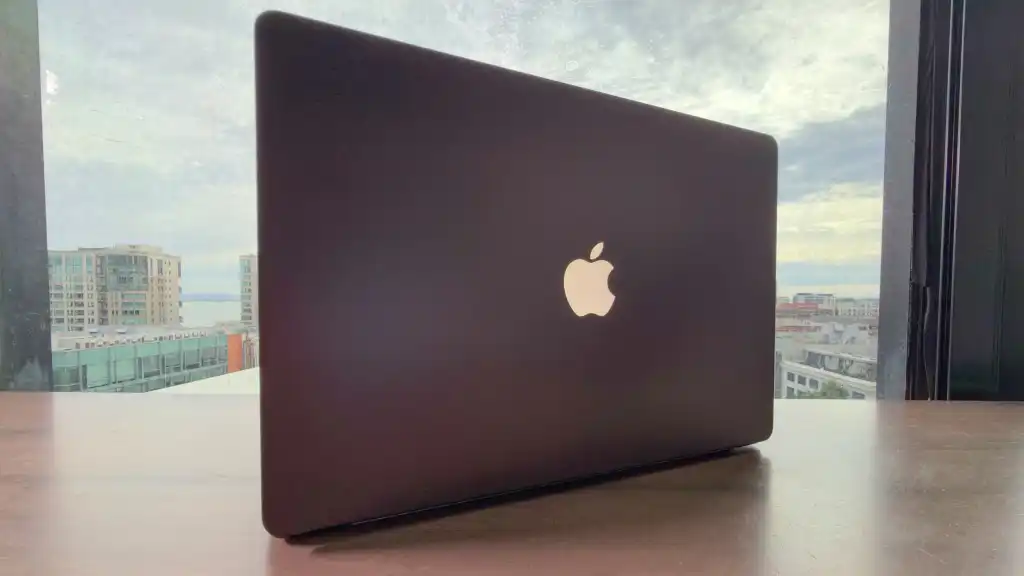
With the MacBook Pro with PROLED display, Apple returned the Apple logo to its former glory, changing from shiny aluminum to one that lights up and shines again. And it has a new trick: it increases the screen brightness and the logo becomes brighter too. Lower the screen brightness and the logo will dim.
However, since the screen and logo brightness controls are linked, the only way to completely reduce the logo brightness is to also turn off the screen. And unfortunately, Apple didn’t include a system settings control for the logo, so you can’t disable it by simply flipping a switch.