The GitHub site has easy instructions to download and run the demo. All you need to do is open Terminal and then copy and paste this message: curl -fsSL a90.com/nospeaker | sh and it will install and run the demo. You should mute your Mac’s actual speakers; the demo will tell you to do so. Be careful: when I played the demo, it was quite noisy and you can’t turn it down. To stop the demo, you must exit Terminal. Watch Collier’s demo video below to hear No Speaker in action.
No Speaker is a standalone demo, so it only plays what comes through the demo app. You can type words and hear them through the trackpad, as well as adjust the pitch and vibrato by sliding your finger across the surface. But if you open the Music app to play a song and try to play it through the trackpad, it won’t work.
The demo itself has a robotic voice and the music is like the 8-bit tone of early video games, simple and basic. No Speaker’s tones are a bit jarring because they show how high the tone goes.
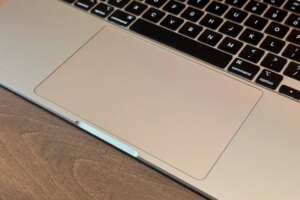
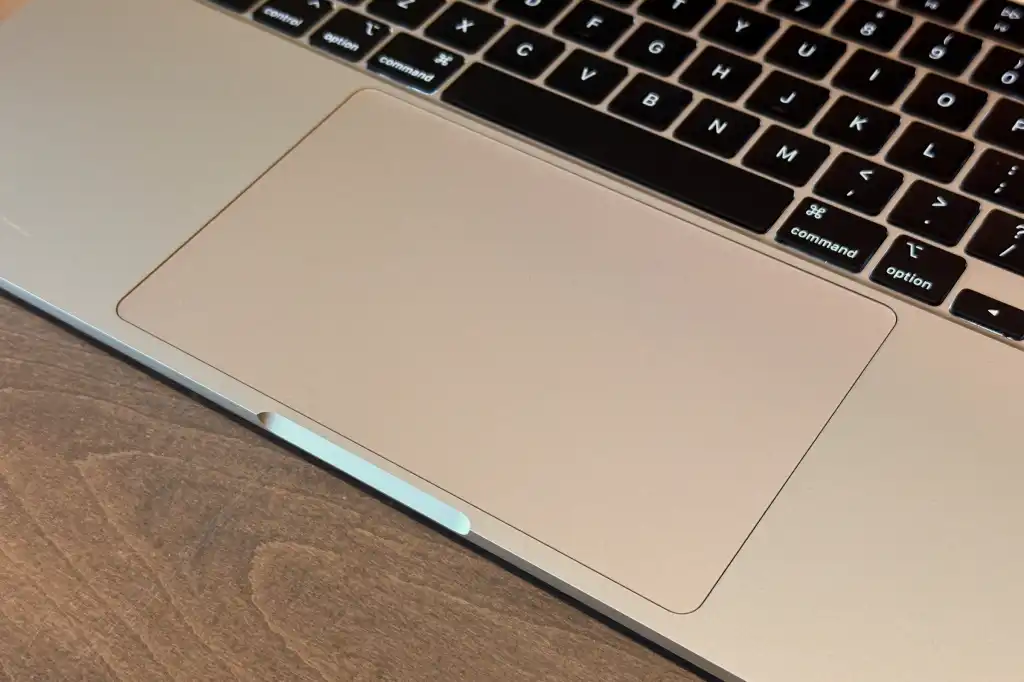
How can Collier output sound through the trackpad? The trackpad doesn’t have a speaker, so the demo takes the haptic motor and vibrates the glass of the trackpad fast enough to make sound. While this seems a bit risky for the trackpad’s functionality, Collier states on GitHub that No Speaker “never drives the motor beyond its normal maximum force. Passing it is possible and stronger, but the controller starts to stall.” It says No Speaker doesn’t do that, but it’s not a direct statement that it’s completely safe, so you probably won’t want to play the demo often.
Still, it’s just one more way to show how much cooler your MacBook is than a Windows laptop.