What makes the touchscreen MacBook especially disconcerting is how unnecessary it is. Apple already discovered the touchscreen setup in 2019 and it has been hidden in plain sight all these years.
Sidecar accessory
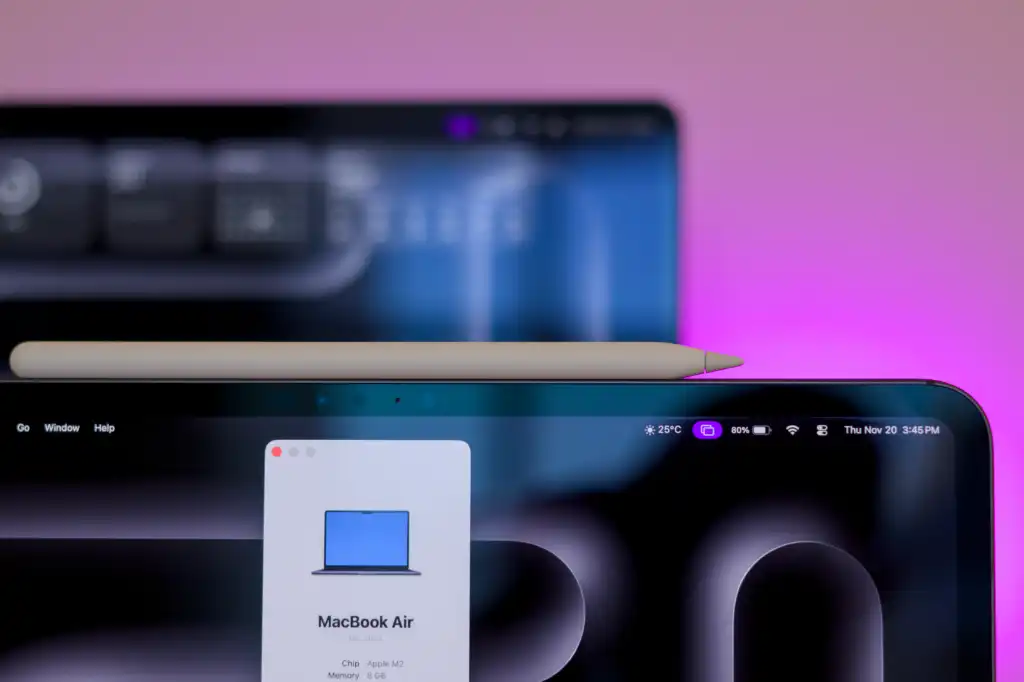
Sidecar was released as part of macOS Catalina in 2019. Billed as a way to expand your workspace, it basically lets you use an iPad as an external wireless display for your Mac. Once connected via AirPlay, you can drag Mac windows onto your iPad screen and interact with them as you would on your Mac. Previously, most controls were limited to Apple Pencil or mouse and keyboard input, but with macOS 27, you can use your fingers too. There’s even a handy sidebar on the iPad for common controls, like opening the on-screen keyboard or returning to the iPad home screen, along with the Touch Bar previously included with certain MacBook models.
Sidecar turns your iPad into a wireless external display for your MacBook.
Apple
crazy design
Steve Jobs opposed touchscreen laptops because “after a long period of time, your arm wants to fall off.” Reading early rumors about the touchscreen MacBook, I expected, or at least hoped, that Apple would do something different by incorporating an innovative hinge mechanism. A convertible form factor would have allowed users to interact with the touchscreen horizontally and easily return to traditional laptop mode when needed. Unfortunately, that did not come to fruition.
I recognize that we shouldn’t take everything Steve said as gospel because technology evolves, but many of his comments are still valid today. The main problem with touchscreen laptops has never been weight or thickness, as some Apple executives recently suggested. At no point while using my MacBook does it feel natural for me to reach out and touch the screen, and most people would probably relate. The new MacBook Pro is no different, and a stronger hinge and lighter chassis don’t solve the real problem.
However, Sidecar is a completely different story. My iPad is disconnected from the MacBook’s keyboard, allowing me to flexibly touch its screen horizontally or not. This allows me to use touch input on macOS when the need arises without straining my arm. It’s precisely the kind of innovation Apple is generally praised for, and we’ve had it for years now.
out of touch
The MacBook Pro with PROLED XDR display is aimed at creative professionals by allowing them to interact with macOS applications using their fingers. Curiously, however, the machine is apparently incompatible with the preferred accessory of many of these creative professionals: the Apple Pencil. This prevents users from taking advantage of precise interactions, pressure sensitivity, tilt detection, and all the other benefits they can’t achieve with fingers.