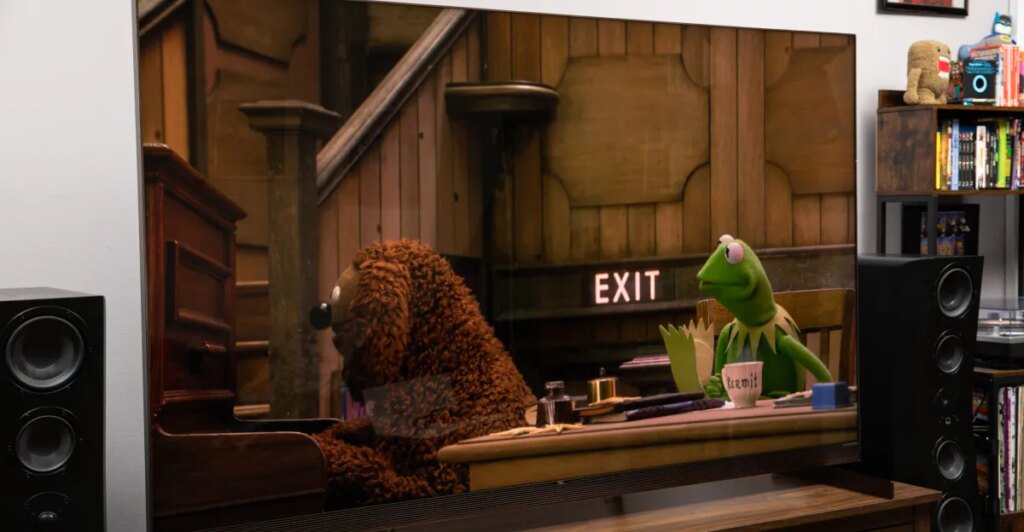
‘Tis the season for great deals on televisions. But once you get a new one at home and install it in your living room, it may not live up to expectations when you turn it on. Maybe it’s too bright, or things just look… dull. Fortunately, there are some simple adjustments you can make to make an expensive new purchase look its best.
It seems counterintuitive, but the default mode for most TVs is not accurate and can include a lot of extra processing that makes the picture appear artificially detailed or too soft. The mode is usually called something like Eco or Energy Saving and is used to meet power consumption requirements. But it also negatively affects the image quality.
The easiest way to make the biggest positive change to your TV’s picture is to exit this picture mode. Using the Filmmaker, Movie, Cinema or Professional picture mode (each company uses different names) will make the color temperature more accurate – it will look redder compared to the Eco mode – very blue, but trust me, it’s much more realistic – and will turn off the extra processing or at least tone it down. Also, avoid the Vivid and Dynamic modes, which are only there to increase the brightness and make the image incredibly blue.
Another setting you should immediately disable is the ambient light sensor. The idea behind it is sound – it adjusts image brightness and color temperature based on the ambient light in the room – but I have yet to find one that doesn’t make distracting brightness adjustments while watching TV. This option may also be called Brightness Optimization, Ambient Light Detection, Smart Mode, or Power Saving Step, and is usually No in the image setup menu. Instead, find it in General Settings in a power saving menu and turn it off.
Once the ambient light sensor is off, you can adjust the brightness based on the amount of light in your room. This can be done with the brightness or backlight slider, whichever one appears changes the brightness across the entire screen. Increasing the brightness in the middle of the day can be great for combating sunlight coming through your windows, but it can be overwhelming once the sun goes down. Adjusting it to taste can make the difference between an immersive movie experience and a headache two hours later.
Of course, the one setting everyone thinks about when it comes to TVs is motion smoothing. I’ve made it my personal mission to turn it off on any TV I have access to, whether it’s in a waiting room, a hotel room, or my parents’ living room. It uses a process called frame interpolation to create additional frames between existing frames to smooth out motion. It is often known as the “soap opera effect” because it makes movies seem like afternoon television dramas. Using Filmmaker mode will usually disable this and other extraneous processing, but it’s still best to double check.
As with the ambient light sensor, the idea behind motion smoothing is a good one, and for some shows with fast motion, like sports, it can actually do a solid job depending on the TV manufacturer (Sony’s Motionflow at its lowest settings can be decent).
If you plan to play games, using Game mode will disable some of that extra processing to reduce input lag as much as possible and make high refresh rate modes available. I recommend looking up the color temperature setting and changing it to something that says “warm” in the title, as that will move the color temperature toward something more natural.
Finally, if you have anything connected to your TV via HDMI (especially a game console), make sure the HDMI settings are set to Enhanced instead of Standard. This will extend the bandwidth to the full capacity of the port. As with power settings, HDMI settings are usually found in a General menu and may be called HDMI Signal Format or External Device Manager.
Getting a new TV is a big investment and should last at least a few years. And while most of today’s TVs can perform incredibly well, they still need a little push to get all the performance you paid for. Making these adjustments will do exactly that and lead to years of enjoyment.
Photography by John Higgins/The Verge