The arrival of Apple’s own chips, also known as Apple Silicon, also means that the standard version of Windows, designed for X86 processors, will not run on Arm-based chips like Apple’s M series. If you want to run Windows on an M-series Mac, you need the Arm version of Windows.
Our main solution for running Windows on a Mac is Parallels Desktop. Read on to find out why in our full review of Parallels Desktop for Mac.
What is Parallels Desktop for Mac?
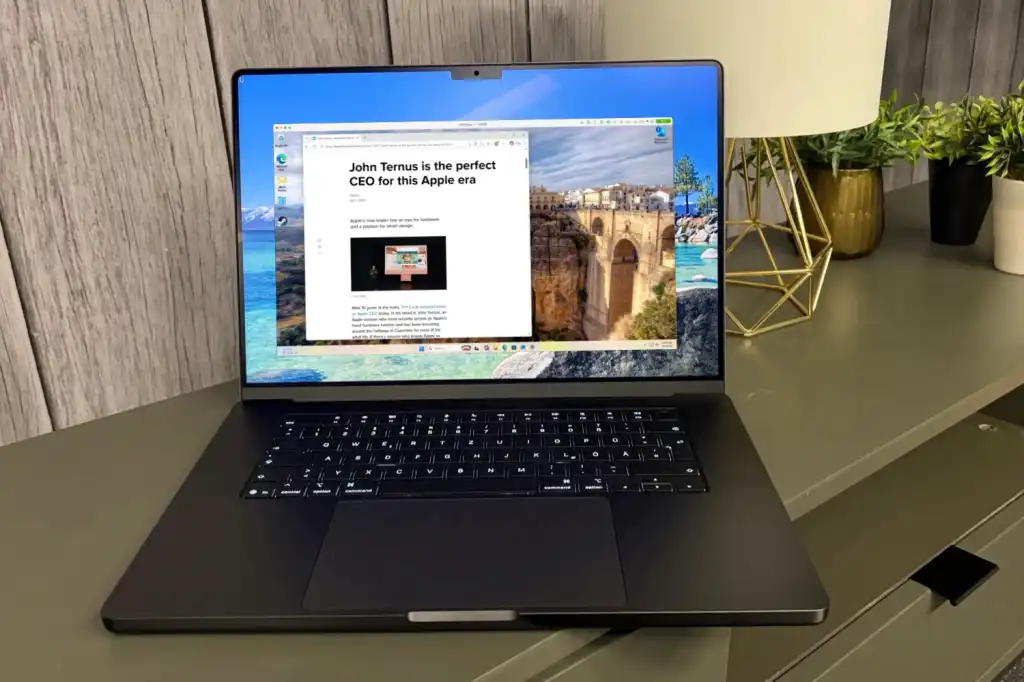
Parallels Desktop lets you run Windows in a virtual machine on your Mac. Instead of rebooting to switch operating systems, you can use Windows and Mac apps side by side. It’s particularly useful if your employer uses Windows-only software, your course requires a particular application, or if you develop and test software on more than one platform.
Windows is the main draw, but you can also create Linux and macOS virtual machines. These provide separate environments for testing software without changing your Mac’s main operating system.
We tested the Pro edition of Parallels Desktop 27. The core Windows settings and Mac integration are also relevant for Standard users; The edition comparison below explains which users should consider paying more.
What’s new in Parallels Desktop 27?
Foundry
Version 27 focuses on technical improvements rather than a long list of new interface features. It is compatible with macOS 27 Golden Gate and requires Apple silicon; Intel Mac owners should maintain a previous version, such as Parallels Desktop 26.