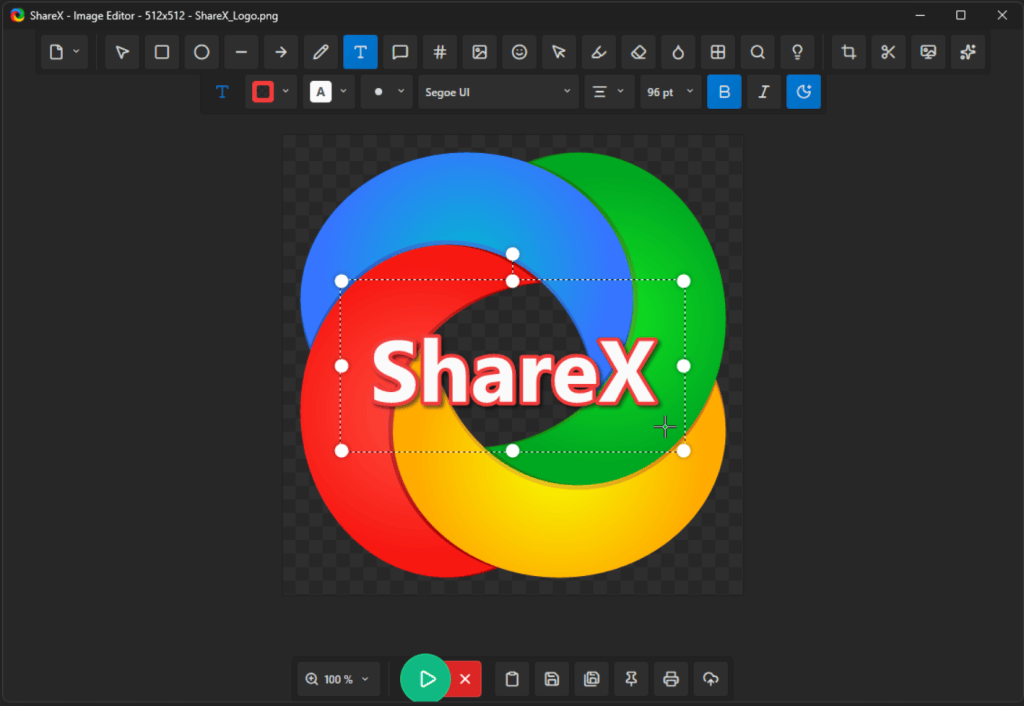
However, the real value is in its advanced editing tools. The ShareX editor allows you to add useful markups to your images, such as arrows, text, and highlights. Plus, if there’s anything sensitive in the shot, you can blur or pixelate right in the app.
The feature I probably use the most is optical character recognition, or OCR. Basically, OCR allows you to extract text from an image and copy and paste it somewhere else. Sure, Snipping Tool has this too, but I found that ShareX’s OCR is more accurate and captures less text noise from an image overall.
Yes, its advanced feature set comes with a deep settings menu, but don’t let that scare you away. Just start with basic screenshots, GIFs, and a couple of keyboard shortcuts, and then maybe experiment from there.
For more tips, tricks, and recommendations for fun and useful apps and websites, be sure to subscribe to our PCWorld newsletter. Try this newsletter.