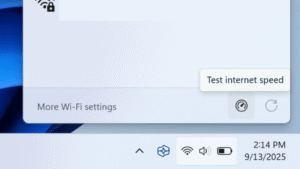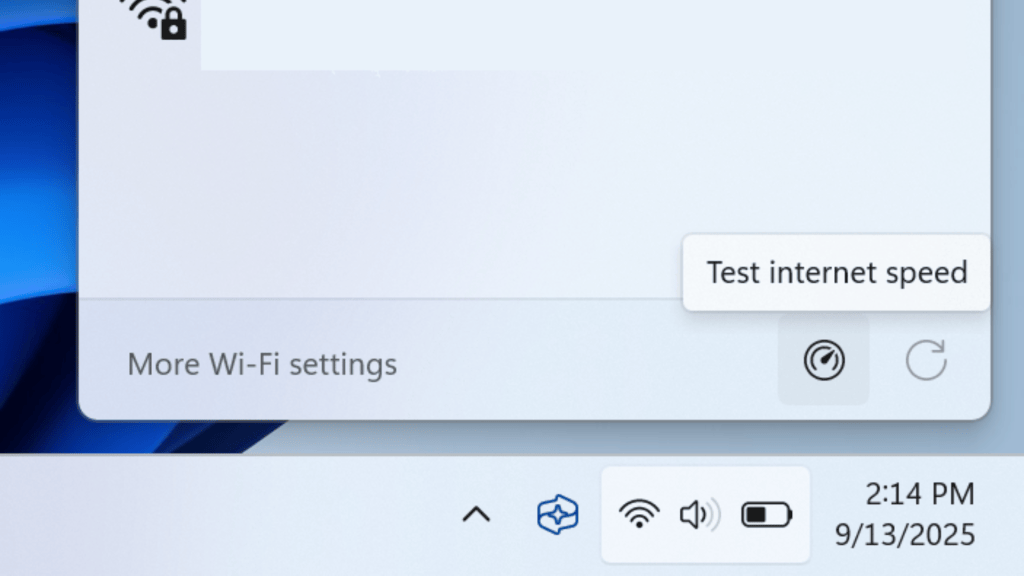
Since the end of February 2026, Microsoft is distributing a new Internet speed test through Windows Update. You can find it by right-clicking on the network or Wi-Fi icon in the lower right corner of the taskbar. the option Perform speed test It now appears in the menu.
Clicking this opens your browser and takes you to a page on Microsoft’s Bing search engine. This browser-based test uses Ookla’s Speedtest. Ookla is the unofficial global market leader in Internet speed testing. The option in the context menu of the network icon is simply a link, but it makes it easier to run the Ookla test.