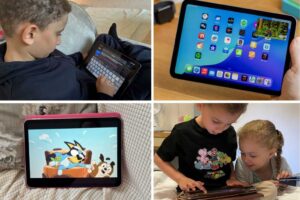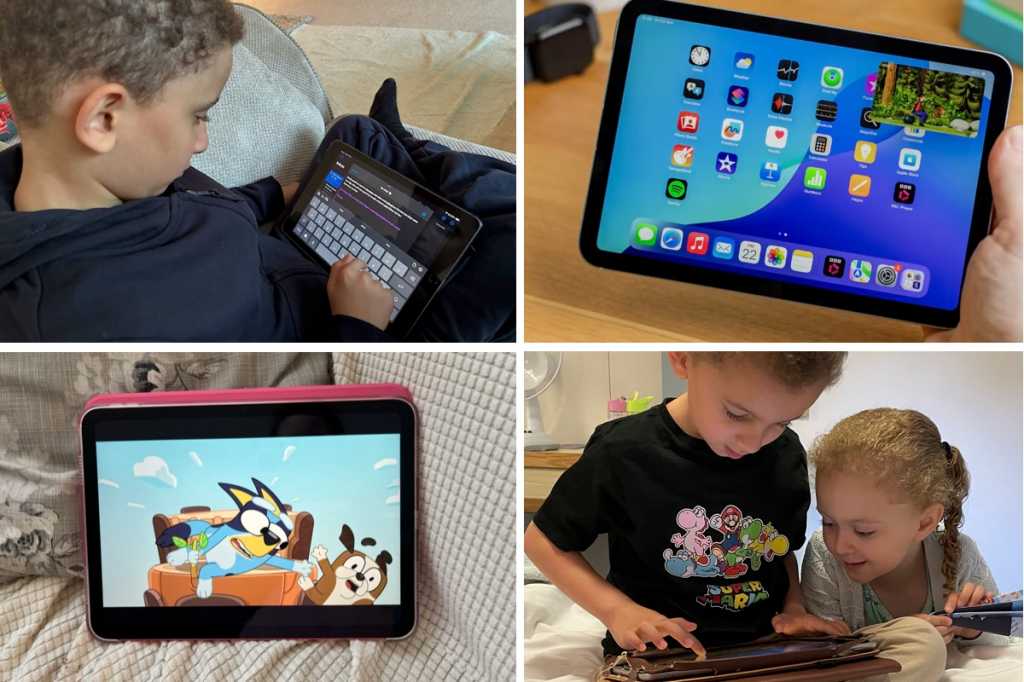
He 8.5-inch iPad mini (A20 Pro) It’s our compact pick. It’s easier for small hands to hold and takes up less space in a bag, but it starts at $699/£699. For $50/£50 more, the 11-inch iPad Air (M4) Gives older kids more screen space to draw, edit videos, and work on school projects. It’s also compatible with Apple’s Magic Keyboard for longer typing tasks.
In addition to our top picks, we explain whether you should buy an iPad for your child, whether it’s worth paying more for the phone, how much storage to get, and how to set limits with parental controls.
Now is a good time to buy an iPad in the Black Friday sales.
The best Black Friday iPad deals so far in the US
- iPad Pro (M5, 11-inch, 256 GB) Wi-Fi: $1,049 ($150 off Amazon, MSRP $1,199)
- iPad Air (M4, 11-inch, 128 GB) Wi-Fi: $649 ($100 off Amazon, MSRP $749)
- iPad Air (M4, 13-inch, 128 GB) Wi-Fi: $849 ($100 off Amazon, MSRP $949)
- iPad mini (A20 Pro, 128GB): $599 ($100 off Amazon, MSRP $699)
- iPad (A16, 128GB): $379 ($70 off Amazon, MSRP $449)
The best Black Friday iPad deals so far in the UK
- iPad Air (M4, 11-inch, 256 GB Wi-F)i: £740 (£109 off Amazon, RRP £849)
- iPad Air (M4, 13-inch and 128 GB, Wi-Fi): €819.99 (£129.01 off Amazon, RRP £949)
- iPad Air (M4, 11-inch, 256GB, Wi-Fi): £740 (£109 off Amazon, RRP £849)
PRICES CONSULTED NOVEMBER 28, 2026 – Offers change quickly, so we will update this block during the Black Friday weekend.
How to choose the best iPad for kids
Start with how your child will use the iPad. A smaller iPad is easier for little hands to hold while reading or playing, especially during travel. A larger screen gives kids more space to draw, edit videos, or write homework.
128GB of storage is enough for most kids. Consider 256GB if your child plays several large games, downloads a lot of movies for travel, or shoots and edits videos regularly. Downloaded games and movies still take up space on your iPad, even if you pay for iCloud storage.
The standard iPad has plenty of power for everyday games, school apps, and videos. Apple Intelligence, which is missing from the standard iPad, is available on the iPad mini and iPad Air and can be useful for older kids who use their iPad for schoolwork or creative projects. Writing tools can help you spot spelling and grammatical errors in your own drafts or turn a long set of notes into a list of key points. In Photos, Clean can remove a distracting object from an image you want to use in a presentation. Parents can restrict features like writing tools and AI image creation through Apple Parental Controls. For help setting up parental controls, see “Should you buy your child an iPad?” below.
If it’s your child’s first iPad, set aside some of your budget for a sturdy case.