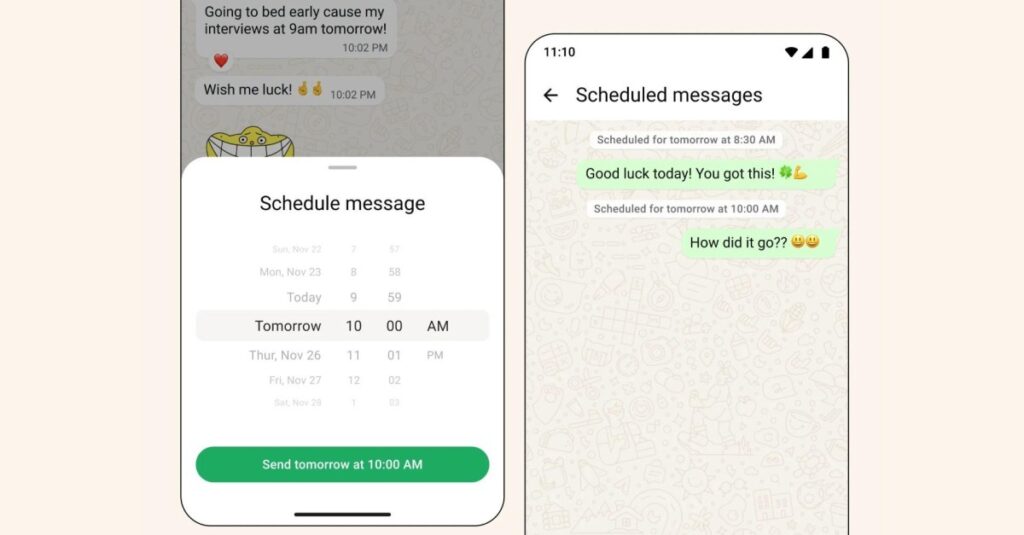
To schedule a message, press and hold the send button and choose the date and time you want it to arrive. It will look like any other message to the person who receives it. You can see all future messages you’ve lined up and delete them beforehand if you change your mind.
Even if your phone is turned off or out of battery, your scheduled message will still appear at a time you choose and will remain end-to-end encrypted like all your personal messages, so no one else can read it, not even us.
Scheduled messages work with text, photos and videos and will roll out globally in the coming weeks. It’s one more way to introduce yourself to the people you care about, now at exactly the right time.