Latest supported macOS version
macOS 27 Golden Gate arrived on September 14.
- Latest version: The latest update from Golden Gate is macOS 27.2.1which arrived on November 9, 2026.
- Compatible Macs: All Apple Silicon Macs, including the A18 Pro-powered MacBook Neo. Intel-powered Macs cannot run Golden Gate.
- Latest security updates: Apple released macOS Golden Gate 27.2.1, macOS Tahoe 26.7.3, and macOS Sequoia 15.8.3 on November 9, 2026
What version of macOS can my Mac run?
Apple releases a new version of the Mac OS every year, but the most recent version of the Mac OS is not compatible with all Macs. Every year, more and more Macs fall off the compatibility list and cannot be updated to take advantage of the latest features.
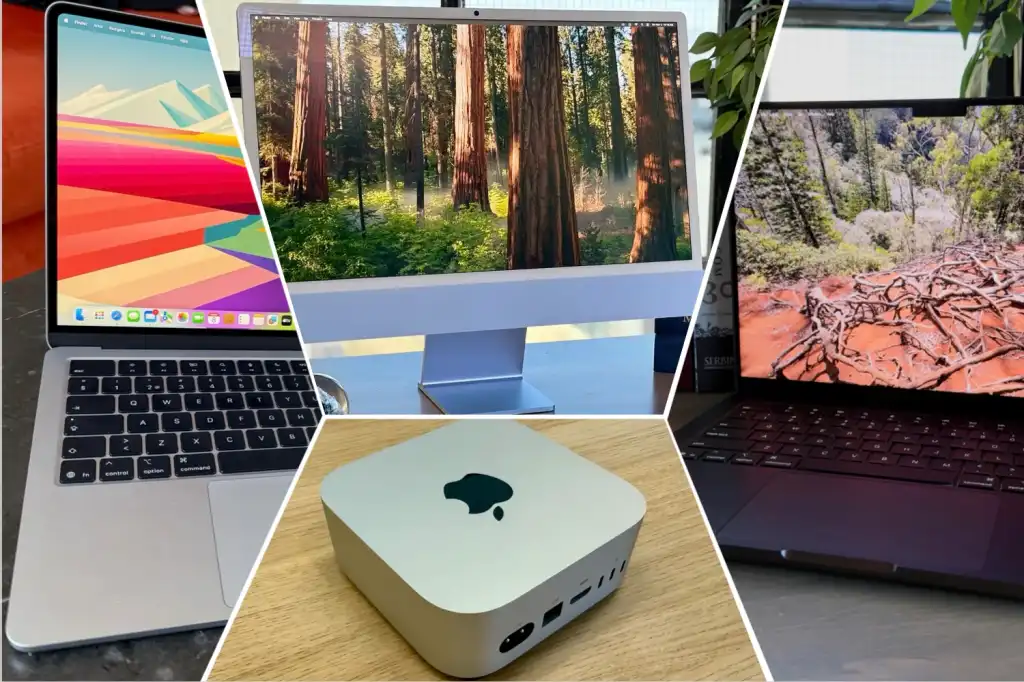
Here’s a simple table you can use to identify the version of macOS your Mac can run based on the year it was introduced. Please note that there are some exceptions where only certain models are compatible with a version of macOS. For more details on specific models, see the sections later in this article.
| Year | macbook neo | 13 and 15-inch MacBook Air | macbook pro 14 and 16 inches |
iMac | mac mini | Mac Studio | mac pro | macbook pro 13 inches |
macbook pro 15 inches |
|---|---|---|---|---|---|---|---|---|---|
| 2026 | macOS 26 Tahoe/macOS 27 Golden Gate (A18 Pro) | macOS 26 Tahoe/macOS 27 Golden Gate (M5) | macOS 26 Tahoe/macOS 27 Golden Gate (M5 Pro and M5 Max) | macOS 27 Golden Gate (M6) | macOS 27 Golden Gate (M6, M5 Pro) | macOS 27 Golden Gate (M5 Max, M5 Ultra) | |||
| 2025 | macOS 26 Tahoe/macOS 27 Golden Gate (M4) | macOS 26 Tahoe/macOS 27 Golden Gate (M5) | macOS 26 Tahoe/macOS 27 Golden Gate (M4 Max, M3 Ultra) | ||||||
| 2024 | macOS 26 Tahoe/macOS 27 Golden Gate (M3) | macOS 26 Tahoe/macOS 27 Golden Gate (M4, M4 Pro and M4 Max) | macOS 26 Tahoe/macOS 27 Golden Gate (M4) | macOS 26 Tahoe/macOS 27 Golden Gate (M4, M4 Pro) | |||||
| 2023 | macOS 26 Tahoe/macOS 27 Golden Gate (15-inch, M2) | macOS 26 Tahoe/macOS 27 Golden Gate (M2 Pro and M2 Max, M3, M3 Pro and M3 Max) | macOS 26 Tahoe/macOS 27 Golden Gate (M3) | macOS 26 Tahoe/macOS 27 Golden Gate (M2, M2 Pro) | macOS 26 Tahoe/macOS 27 Golden Gate (M2 Max, M2 Ultra) | macOS 26 Tahoe (M2 Ultra) | |||
| 2022 | macOS 26 Tahoe/macOS 27 Golden Gate (M2) | macOS 26 Tahoe/macOS 27 Golden Gate (M1 Max, M1 Ultra) | macOS 26 Tahoe/macOS 27 Golden Gate (M2, 13-inch) | ||||||
| 2021 | macOS 26 Tahoe/macOS 27 Golden Gate (M1 Pro and M1 Max) | macOS 26 Tahoe/macOS 27 Golden Gate (M1) | |||||||
| 2020 | macOS 26 Tahoe/macOS 27 Golden Gate (M1 only) and macOS 15 Sequoia (Intel) |
macOS 26 Tahoe (27-inch iMac, Intel) | macOS 26 Tahoe/macOS 27 Golden Gate (M1) | macOS 26 Tahoe/macOS 27 Golden Gate (M1, 13-inch) | |||||
| 2019 | macOS 14 Sonoma | MacOS 15 Sequoia | macOS 26 Tahoe | MacOS 15 Sequoia | macOS 26 Tahoe | ||||
| 2018 | macOS 14 Sonoma | MacOS 15 Sequoia | MacOS 15 Sequoia | MacOS 15 Sequoia | |||||
| 2017 | macOS 12 Monterrey | macOS 13 Ventura | macOS 13 Ventura | macOS 13 Ventura | |||||
| 2016 | macOS 12 Monterrey | macOS 12 Monterrey | macOS 12 Monterrey | ||||||
| 2015 | macOS 12 Monterrey | macOS 12 Monterrey | macOS 12 Monterrey | macOS 12 Monterrey | |||||
| 2014 | macOS 11 Big Sur | macOS 12 Monterrey | macOS 12 Monterrey | macOS 11 Big Sur | macOS 11 Big Sur | ||||
| 2013 | macOS 11 Big Sur | macOS 11 Big Sur | macOS 12 Monterrey | macOS 11 Big Sur (Retina only) | macOS 11 Big Sur |
For tips on installing macOS, read: How to install macOS on your Mac and read our guide to every version of macOS released to learn about the latest version.
What Mac do I have?
Find out which Mac you own.
Foundry
Not sure what model of Mac you have? Here’s how to check which Mac model you have.
The quickest way is to click the Apple logo in the top left corner of the screen and select About This Mac. This will show you an overview that includes the model name, year of manufacture, chip, and memory.
If you need more detailed specifications, such as processor generation or exact configuration, you can click the More information… button or go to System Settings > General > About.