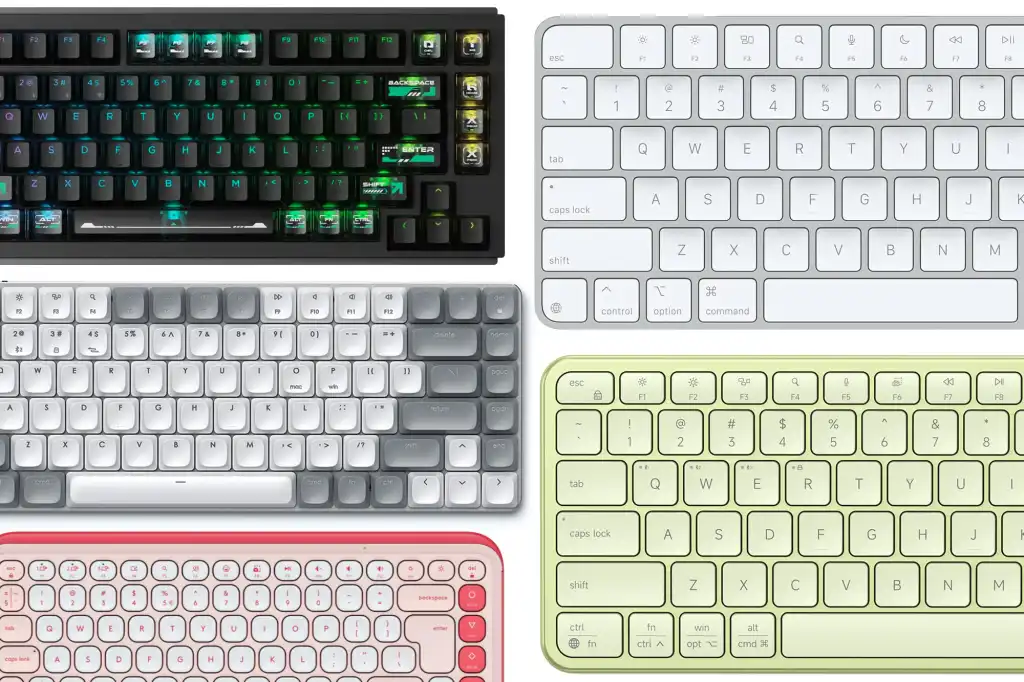
18. Apple Magic Keyboard: Best keyboard for Mac Intel
- Keyboard type: Slim
- Size options: Compact, complete
- Flag: White
Apple keyboards are a bit confusing, with two generations of keyboards available and each generation offering two different keyboards, with or without a numeric keypad.
The previous generation of Magic Keyboards are still available and are now primarily designed for use with older Macs that have Intel processors. These older keyboards lack the Touch ID sensor that is available with the two new keyboards that Apple launched in summer 2021.
Touch ID and some of the other features of the new keyboards don’t work with Intel-based Macs, so if your Mac has an Intel processor, then these older keyboards are the best options available from Apple, although of course there are many other keyboards available from other manufacturers, which we also review here.
The smaller Magic Keyboard may be expensive at $99/£99, but its sleek slim design started a trend of “low profile” keyboards that many other manufacturers are now following too.
The aluminum body feels pretty sturdy, but the slim design means the keys don’t “travel” very well, so speedy typists might prefer a larger keyboard that’s actually designed to do proper work rather than just look pretty.
The space bar and small set of navigation keys in the bottom right corner of the keyboard are also quite small and fiddly. To be fair, though, the compact little keyboard packs quite a few useful features, and the top row of function keys provide controls for brightness, volume, and music playback.
The Magic Keyboard works like a standard Bluetooth keyboard, and Apple says its rechargeable battery will last about a month at a time. Note that some models have a Lightning port instead of USB-C for charging.
And of course, there’s the larger version, called the Magic Keyboard with Numeric Keypad ($129/£129). This is also quite expensive, but it adds a numeric keypad for people who need to do some serious number crunching from time to time. This keyboard also has a larger set of navigation keys, which is very useful for scrolling through long documents or web pages, and an additional set of navigation keys that allow you to quickly jump to the top or bottom of a document.
The larger keyboard layout also means there’s room for a few extra function keys, up to F19 (instead of F12 for the smaller Magic Keyboard). It’s a shame, however, that the options in macOS for programming your own keyboard shortcuts are quite limited, so advanced users may prefer to use a third-party utility, such as USB OverDrive or the HotKey app, to make the most of these additional function keys. This larger keyboard has the same month-long battery life as the smaller Magic Keyboard, although it shows its age a bit as (surprisingly) its charging cable still has a USB-A connector.
You can find the best prices for Apple keyboards and mice in our deals roundup.