Public Wi-Fi has long been risky, with many establishments failing to put up guardrails strong enough to protect users connecting. Recently its use has become even more risky, with hackers now attacking airports and hotels in an attempt to steal credentials and private data. When you’re on public Wi-Fi, you never know who might be spying: malicious users can intercept your data, see what you’re doing, and even install malware.
That is why it is important to take security measures when using a public Wi-Fi network, and one of those measures is to use a VPN. A VPN routes your traffic through its own servers, effectively masking your activity and preserving your privacy. VPNs also add a layer of security between you and hackers.
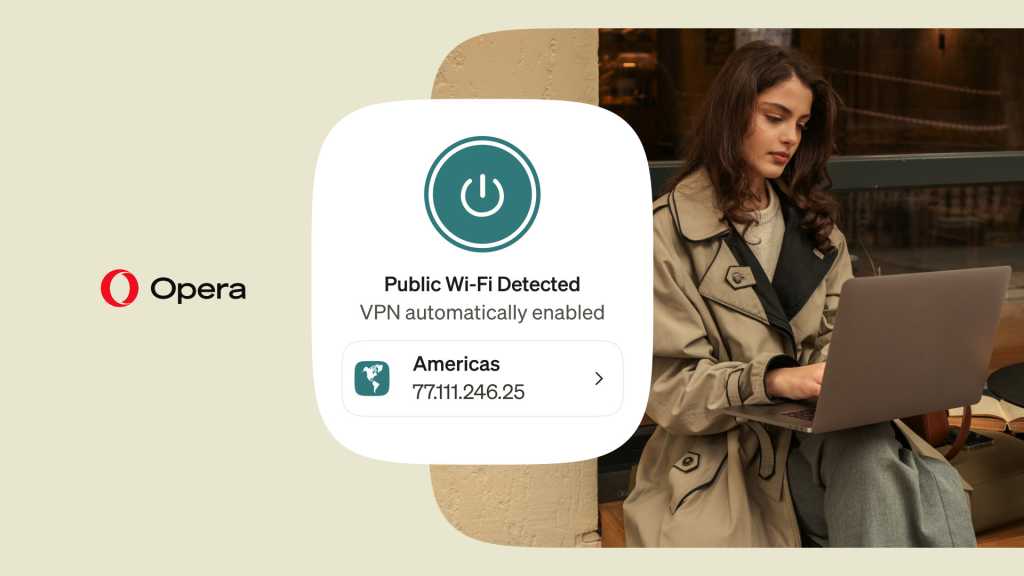
Opera was the first major browser to include a free VPN, initially launching this feature in April 2016. But now, that same built-in feature is automatically enabled on public Wi-Fi. For it to work, you’ll need to go to settings and enable “Always use VPN on public Wi-Fi,” but keep in mind that this feature is rolling out, so you may not see it right away.
Additional reading: Great reasons to switch from Chrome to Opera