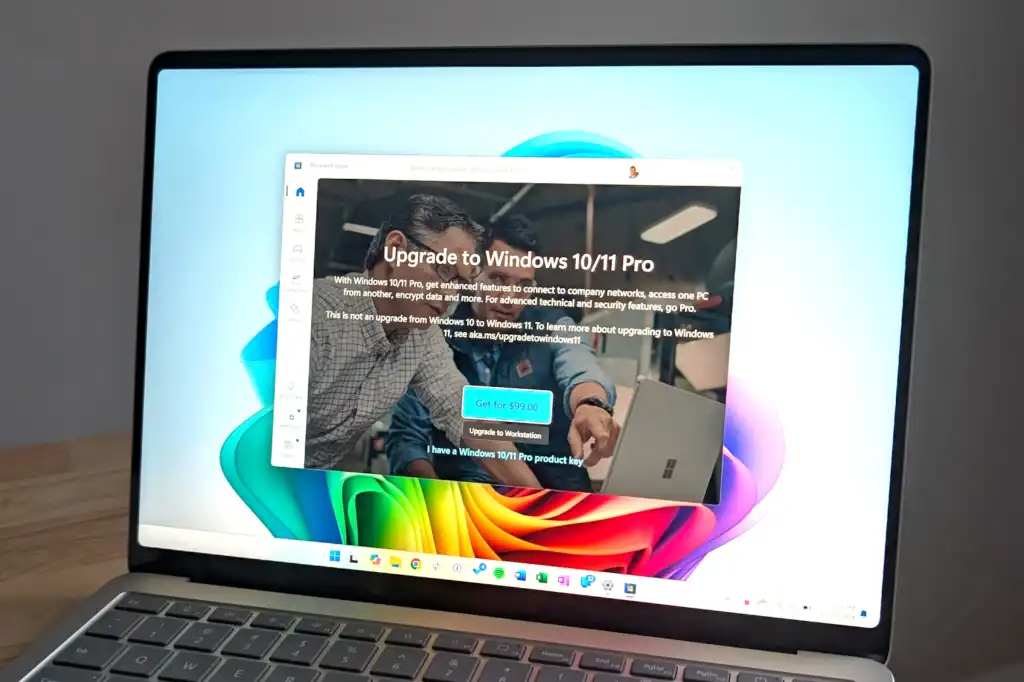
But what if you are a regular home user? Is it worth paying a little more for these additional features? This is what you should consider.
Windows 11 Pro and BitLocker encryption
BitLocker drive encryption is the main reason to get Windows 11 Professional. BitLocker is a full disk encryption feature that protects your files from unauthorized access. If your PC is ever stolen or lost, no one will be able to access your protected files without signing in like you. It is an essential modern safety feature.
Both Windows 11 Home and Windows 11 Professional include some Disk encryption features, but Microsoft’s BitLocker encryption is much more powerful, flexible, and configurable in Windows 11 Pro.
On a Windows 11 Home PC, you only get “Device Encryption.” When you sign in to your Windows PC with a Microsoft account, Windows 11 Home automatically enables BitLocker encryption and saves your recovery key to your Microsoft account.
Curious if device encryption is enabled on your PC? Go to Settings > Privacy and security > Device encryption. If you don’t see the option, your PC doesn’t support it. New Windows 11 PCs do, but some older PCs that were upgraded from Windows 10 may not.
Chris Hoffman/IDG
Device Encryption is a suitable solution for many, but it is limited. For example, you must sign in with a Microsoft account and you must store your recovery key in your Microsoft account online and you cannot use it to encrypt external drives. The latter could be a big problem.