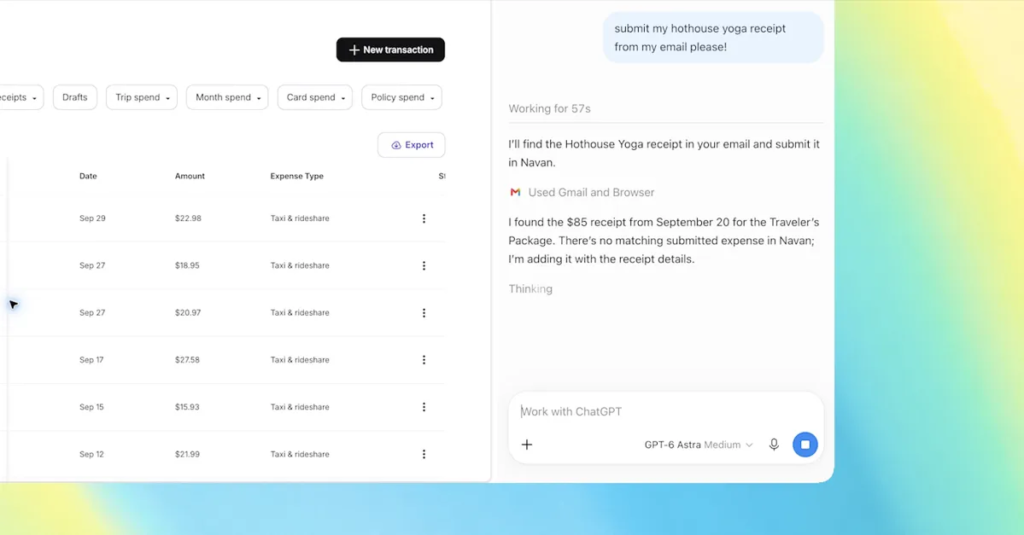
OpenAI’s ChatGPT Atlas browser is gone, but now the ChatGPT Google Chrome extension is getting some updates that let you use the browser tabs you already have open. With the extension installed, OpenAI says ChatGPT can now see your browser tabs when you tag Chrome in the ChatGPT web or desktop app, posting a demo video showing someone asking ChatGPT to compare the three tabs they have open to the couches they’re considering.
Here are some of the sample queries that OpenAI lists for using the updated plugin:
ChatGPT has also been updated in the sidebar, with “the full power of ChatGPT” and your entire conversation history in Chat or Work to use without leaving the page you’re viewing. It also allows ChatGPT Work to “control” your Chrome tabs for tasks like “sending messages, filling out forms, or downloading files” – similar to the “auto-scan” feature powered by Google’s Gemini – as well as organizing or grouping open tabs.